
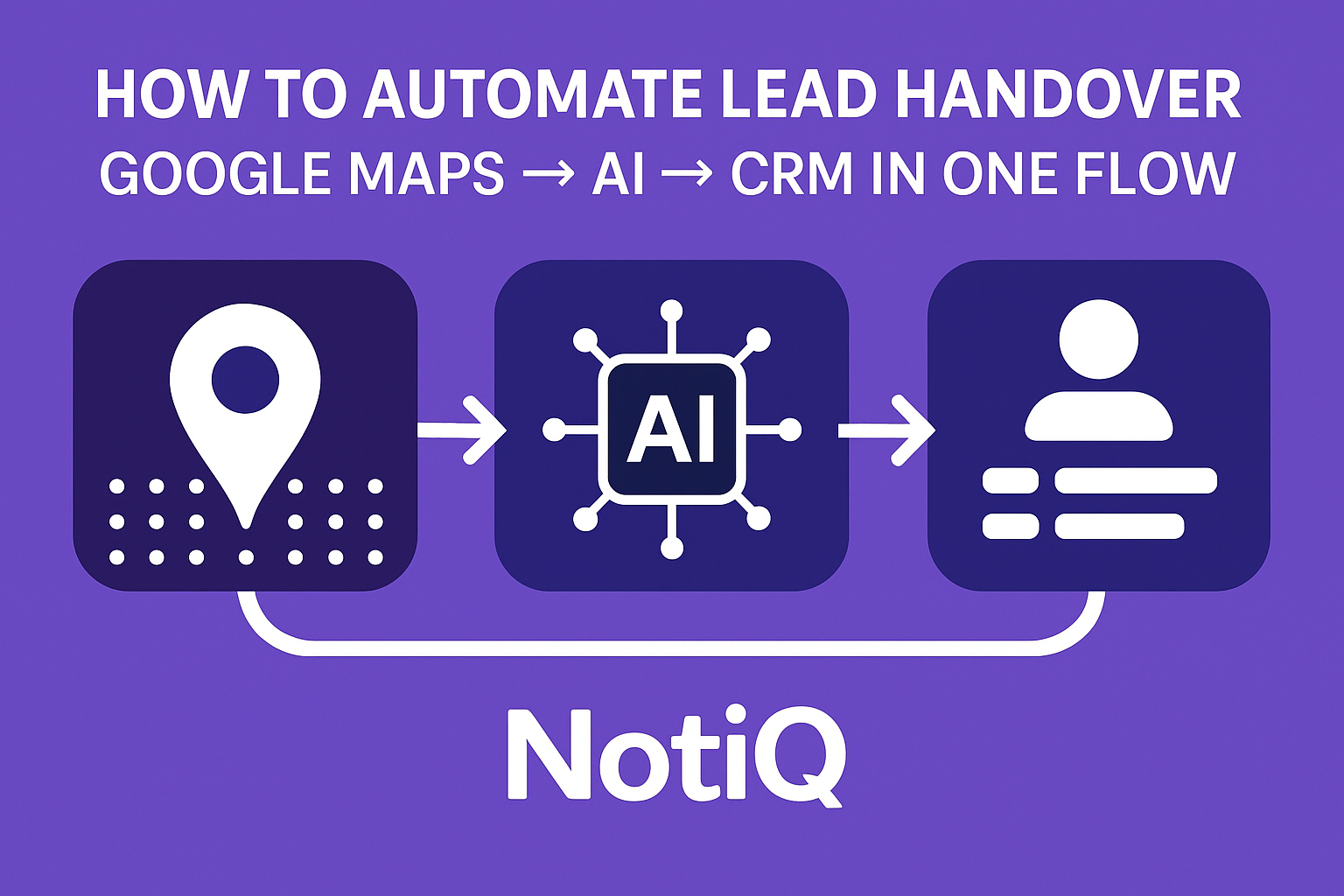
How to Automate Lead Handover: Google Maps → AI → CRM in One Unified Workflow
Introduction
Manual data entry is the silent killer of sales velocity. Every minute a sales development representative (SDR) spends copying a phone number from Google Maps, pasting it into a spreadsheet, and then manually creating a record in a CRM is a minute not spent selling. Worse, this manual "swivel-chair" process introduces friction that leads to data entry errors, outdated information, and eventually, lost leads.
Most sales teams attempt to solve this by stitching together a "Frankenstein" stack of tools—a scraper here, a spreadsheet there, and a Zapier connector to glue it all together. While functional, these fragmented workflows are fragile.
This guide presents a superior alternative: a single, automated lead handover workflow that moves data from Google Maps lead extraction directly into your CRM, enriched by AI, with zero manual intervention. We will cover the entire pipeline: extraction, AI enrichment, intelligent routing, field mapping, and real-time synchronization.
Drawing from our extensive experience building automated CRM infrastructures, we will demonstrate how to transform raw map data into actionable, high-value pipeline assets.
Table of Contents
- Why Google Maps to CRM Workflows Break Down
- The Complete Maps → AI → CRM Automation Flow
- How to Set Up Field Mapping and Data Enrichment
- AI Lead Routing and Qualification Explained
- Error Handling and Preventing Lead Leakage
- Tools & Resources for Maps → AI → CRM Workflows
- Case Studies / Real-World Examples
- Future Trends & Expert Predictions
- FAQ
- Conclusion
Why Google Maps to CRM Workflows Break Down
The traditional approach to building a local lead list is fundamentally broken. It usually involves a sales rep opening Google Maps, searching for a keyword like "plumbers in Austin," and then manually copying details into a CSV or CRM.
This manual method fails for three specific reasons:
- Human Error & Data Decay: Manual typing leads to typos in email addresses and phone numbers. Furthermore, by the time a list of 500 leads is manually built, the data for the first 50 may already be stale.
- Fragmentation Friction: Teams often use one tool to scrape, another to find emails, and a third to upload. Data is lost in the transfer between these siloed systems.
- Speed to Lead: Manual entry creates a lag time. A lead identified on Monday might not enter the nurturing sequence until Friday.
Research consistently shows that lost leads in CRM pipeline transitions are a primary cause of revenue leakage. When data handling is slow or inaccurate, routing rules fail, and high-value territories go unworked.
According to Google Maps API best practices (Google Developers), maintaining data freshness and accuracy is critical for location-based services. Relying on static, manually copied lists violates the principle of using real-time, accurate location data.
Unlike fragmented competitor toolchains that require constant maintenance, a unified workflow ensures data integrity from the moment of discovery to the moment of contact.
Discover NotiQ, the workflow-first solution designed to eliminate these breakdowns.
The Complete Maps → AI → CRM Automation Flow
A robust lead handover workflow functions as a single continuous pipe, not a series of buckets. The goal is to move from a raw search query to a fully populated CRM deal without human touch.
The ideal architecture follows this sequence: Extract → Enrich → Score → Route → Sync.
This unified approach removes the complexity seen in multi-step setups involving tools like Apollo, Clay, or Phantombuster, where data must often be exported and re-imported. In a unified flow, the system captures essential data points—business name, phone, website, address, and category—and immediately processes them.
To ensure reliability, your crm automation workflow should adhere to Government CRM data standards, which emphasize data consistency, interoperability, and the maintenance of a "single source of truth."
Watch this end-to-end workflow in action.
Step 1 — Google Maps Business Extraction
The process begins with google maps lead extraction. Instead of manual browsing, the workflow utilizes automated queries to retrieve structured data from public business profiles.
A search for "Coffee Shops in Seattle" returns a raw list containing the business name, review count, average rating, address, and website URL. It is vital to use compliant methods that respect rate limits and terms of service, aligning with Google Maps API best practices regarding data access and usage.
Step 2 — AI Data Cleaning & Enrichment
Raw map data is rarely ready for a sales conversation. It requires ai enrichment. In this stage, the workflow:
- Deduplicates: Checks if the lead already exists in the database to prevent crm data sync workflow conflicts.
- Verifies: Pings the website URL to ensure it is live.
- Infers: Uses AI to identify generic emails (info@) or find specific decision-maker contacts associated with the domain.
- Categorizes: AI analyzes the business name and category to apply specific tags (e.g., "Specialty Roaster" vs. "Chain Franchise").
Step 3 — CRM Sync in Real Time
Once cleaned, the data is synced. This is not a bulk upload at the end of the week; it is real-time CRM sync. The system maps the data to the correct objects:
- Company Record: Name, Address, Industry.
- Contact Record: Phone, Email.
- Deal/Opportunity: Created automatically if the lead meets specific criteria.
- Owner: Assigned based on automated lead assignment rules.
How to Set Up Field Mapping and Data Enrichment
Data mapping is the blueprint of your automation. If your crm data mapping is flawed, your automation will simply move bad data faster.
The strategy should be to map public data fields to standard CRM objects while using custom fields for enriched data. Following Government CRM data standards ensures that your field definitions (e.g., standardizing phone number formats to E.164) remain consistent across different systems, reducing integration errors.
Core Fields to Map
These are the non-negotiable fields required for any functional crm field mapping strategy:
- Business Name → Account Name
- Address/City/State → Billing/Shipping Address
- Phone Number → Main Account Phone
- Website → Website URL
- Google Maps URL → Custom Field (Source URL) for auditing.
Advanced Mapping (AI-Generated)
To enable ai qualification, you should create custom fields that your AI processor can populate:
- Business Viability Score: A 1-100 lead score ai rating based on review count and website quality.
- Primary Category: A standardized industry tag (e.g., transforming "Plumber" and "Plumbing Service" into a single "Plumbing" tag).
- Urgency Rating: AI-inferred urgency based on recent reviews or business hours.
Adding Enriched Data Points
A truly robust data enrichment workflow goes beyond the basics. Map these fields to give your sales team context:
- Social Profiles: LinkedIn, Instagram, or Facebook links found on the website.
- Operating Hours: Useful for determining the best time to call.
- Technology Stack: If your enrichment tool can detect what software the website uses (e.g., Shopify, WordPress), map this to a "Tech Stack" field.
AI Lead Routing and Qualification Explained
Once data is in the system, who gets the lead? In manual workflows, a manager assigns leads, or reps cherry-pick them. In an automated system, ai lead routing determines the owner instantly.
An ai lead routing system analyzes the incoming data against a set of logic rules to assign the lead to the correct territory, pipeline, or individual representative. This eliminates the "speed to lead" gap.
AI Scoring Logic
AI lead score models look at multiple variables to determine lead quality.
- Relevance: Does the business category match your Ideal Customer Profile (ICP)?
- Legitimacy: Does the business have a working website and a physical address?
- Activity: Does it have recent reviews on Google Maps?
A high qualification scoring result triggers immediate assignment to a senior rep, while a low score might route the lead to a nurture email sequence instead.
Routing Rules (Dynamic vs Static)
- Static Rules: "If State = NY, assign to East Coast Team." This is simple but rigid.
- Dynamic AI Rules: "If Industry = Hospitality AND Rating > 4.5, assign to Enterprise Team; otherwise assign to SMB Team." CRM lead routing becomes intelligent, adapting to the quality of the lead rather than just geography.
Real-World Routing Examples
- Territory Mapping: A lead extracted from a search for "Roofers in Dallas" is automatically tagged "Region: South" and assigned to the Texas sales rep.
- Vertical Filtering: A search for "Medical Clinics" might return both Dentists and Urgent Care centers. AI routing examples include filtering Dentists to one pipeline and Urgent Care to another, ensuring the sales pitch matches the prospect.
Error Handling and Preventing Lead Leakage
Automation is powerful, but without safety rails, it can be dangerous. Lead leakage prevention is the practice of ensuring no data is lost due to API timeouts, validation errors, or sync failures.
To build a resilient workflow, you must adopt principles from the ISO collaborative workflow standard (such as ISO 12052 or similar quality management frameworks for digital workflows) and adhere to FTC data privacy principles regarding consumer data accuracy and security.
Detecting & Fixing Incomplete Data
A common error in google maps lead extraction is missing fields—for example, a business with no listed website.
- Validation Logic: If the "Phone" field is empty, the workflow should not create a "Call" task. Instead, it should route the lead to a "Research Needed" stage.
- Auto-Correction: A data validation workflow can automatically format phone numbers (e.g., removing +1 or adding dashes) to match CRM requirements.
Duplicate Prevention
Nothing frustrates a sales team more than calling a lead that is already a customer.
- De-duplication Logic: Before creating a new record, the system must check the CRM for existing matches based on
Domain NameORPhone NumberOR (Business Name+Zip Code). - Merge vs. Reject: If a duplicate lead detection occurs, the system should update the existing record with new data (e.g., a new review count) rather than creating a clone.
Compliance & Data Privacy Considerations
When automating crm compliance, transparency is key.
- Source Tracking: Always log where the data came from (e.g., "Source: Google Maps Public Profile").
- Privacy: Ensure you are only storing public business contact information (B2B). If personal data is inadvertently captured, your workflow must have a mechanism to purge it in accordance with FTC data privacy principles and GDPR/CCPA regulations where applicable.
Tools & Resources for Maps → AI → CRM Workflows
To build this pipeline, you need a stack that integrates seamlessly. While many tools exist, the goal is to minimize friction.
- Extraction Layer: Tools capable of querying local business directories and structuring the output.
- Intelligence Layer: AI processors (like OpenAI’s API or specialized B2B AI) to clean, format, and score the data.
- Orchestration Layer: Connectors that push data to Hubspot, Salesforce, or Pipedrive.
NotiQ stands out by unifying these layers into a single platform, whereas competitors often require you to purchase separate subscriptions for extraction, enrichment, and syncing.
Case Studies / Real-World Examples
The theory of maps to crm workflow automation is compelling, but the real-world results are transformative.
Case Study 1 — Local Services Campaign
A marketing agency targeting HVAC companies needed to build a pipeline in three specific states.
- Old Process: Manual searching and pasting took 20 hours/week to generate 100 leads.
- New Automation: They set up a local business leads workflow. The system extracted 200 businesses per day, filtered out those with ratings below 3.0 stars (bad credit risk), and synced them to the CRM.
- Result: 500% increase in lead volume with zero added labor.
Case Study 2 — Multi‑Rep Sales Team
A SaaS company selling POS software needed to route leads based on business type (Restaurant vs. Retail).
- The Workflow: AI analyzed the business category. Restaurants were routed to the "Hospitality Rep," and Retail stores to the "Retail Rep."
- Result: Team lead routing accuracy improved to 100%, and response times dropped from 24 hours to 15 minutes.
Future Trends & Expert Predictions
The future of crm automation is autonomous. We are moving away from static "If/Then" rules toward agentic AI workflows.
- Real-Time Multi-Source Sync: Future workflows will not just look at Maps; they will cross-reference Maps data with LinkedIn and local chamber of commerce data instantly to build a "Golden Record" before the lead ever hits the CRM.
- LLM-Driven Prospecting: Instead of just extracting data, Large Language Models (LLMs) will read the business's latest reviews and website content to draft a hyper-personalized opening line for the salesperson, inserting it directly into the CRM notes field.
- AI Sales Automation: The line between marketing and sales will blur as future crm automation allows AI to not only hand over the lead but also initiate the first compliant engagement touchpoint.
FAQ
How do I automate lead handover from Google Maps to my CRM?
You need a workflow automation tool that connects a Maps extraction API to your CRM API. The most efficient method is using a unified platform like NotiQ that handles extraction, parsing, and syncing in one interface, rather than chaining multiple third-party tools.
Which fields should be auto-mapped?
Always map Business Name, Phone Number, Full Address, Website URL, and Place ID. For better segmentation, auto-map the Business Category and Review Count.
How accurate is Google Maps data?
Google Maps data is generally very high quality for physical businesses, as business owners are incentivized to keep it updated. However, maps to crm workflows should always include a verification step (like pinging the website) to ensure the business is still active.
Can AI enrich business data before CRM sync?
Yes. AI can analyze the business name and website to infer industry verticals, company size, and even potential technology needs, adding this data to the CRM record before a human ever sees it.
How does automated routing prevent leakage?
Automated routing ensures every lead is assigned an owner immediately upon creation. By removing the "unassigned" limbo state, automation guarantees that no lead is forgotten or left in a spreadsheet.
Conclusion
The era of manual copy-pasting is over. A unified Google Maps → AI → CRM automation pipeline is the only way to scale lead generation without scaling headcount. By automating extraction, leveraging AI for enrichment, and enforcing strict routing rules, you eliminate the friction that causes lost revenue.
While competitors struggle with fragmented toolchains and broken Zaps, a unified workflow ensures your data is accurate, compliant, and ready for action the moment it enters your system.
Ready to stop pasting and start selling?
Click here to watch the NotiQ workflow demo and see how to automate your lead handover today.
.svg)

