
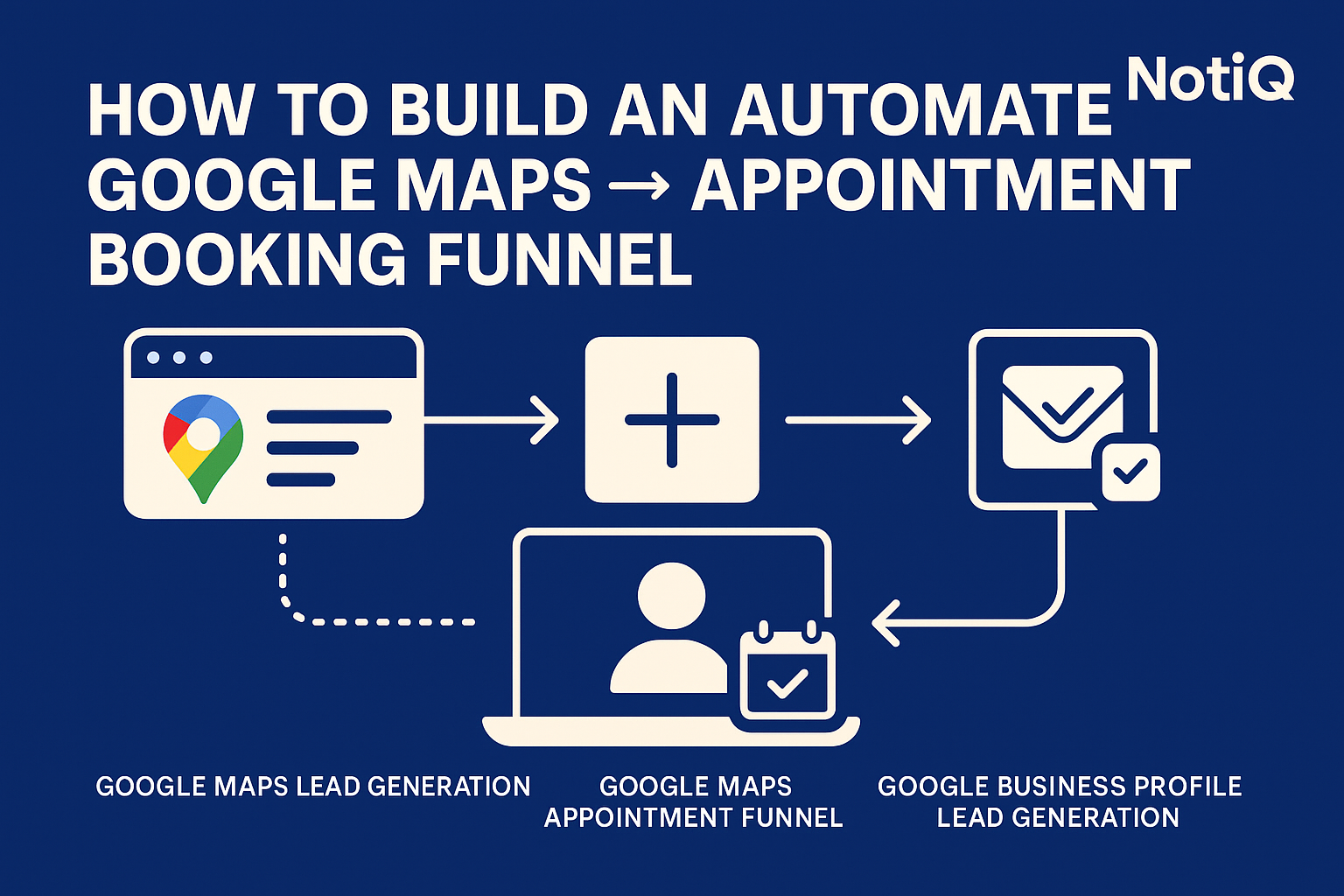
How to Build an Automated Google Maps → Appointment Booking Funnel (Unified, End‑to‑End System)
For most agencies, Google Maps is a paradox. It contains the most accurate, dense, and continually updated database of local businesses on the planet, yet it remains one of the most painful sources to prospect manually.
The average manual Google Maps lead takes 1–3 minutes to process. You search for "roofers in Austin," click a profile, copy the name, hunt for a website, search for an email, copy the phone number, and paste it all into a spreadsheet. By the time you have a list of 50 prospects, you’ve lost hours of valuable time—and you haven't even sent a single message yet.
This manual friction makes true scaling nearly impossible.
The solution isn't to work faster; it is to deploy a fully automated Maps → Outreach → Qualification → Booking funnel. By moving from fragmented manual tasks to a unified system, agencies can generate predictable daily appointments without stitching together five different software tools.
At NotiQ, we specialize in orchestrating these exact workflows. Below is the blueprint for building an automated appointment funnel that turns raw Google Maps data into booked sales calls.
Why Google Maps Is a High-Volume but Underused Lead Source
Google Maps offers unmatched local business density. Unlike LinkedIn, which is optimized for B2B corporate networking, or Instagram, which is visual-first, Google Maps is purely transactional. It is where local businesses—roofers, dentists, med spas, HVAC technicians—live and breathe.
However, most agencies fail to scale Maps prospecting because they treat it as a manual directory rather than a data source. They rely on virtual assistants or interns to copy-paste data, resulting in slow workflows and human error.
When leveraged correctly, Google Maps becomes a high-volume engine for agencies targeting local service businesses. The key is moving away from manual browsing and toward automated ingestion.
Discover how NotiQ orchestrates this entire workflow from extraction to booking.
The Hidden Data Signals Inside Google Maps
A standard Google Business Profile contains far more than just a phone number. It holds "hidden" signals that are ripe for hyper-personalization:
- Review Count & Rating: A business with 4.9 stars and 120 reviews cares about reputation. A business with 3.2 stars needs help.
- Business Category: Precise categorization (e.g., "Cosmetic Dentist" vs. "General Dentist") allows for segmented messaging.
- Operational Hours: Indicates availability and responsiveness.
- Images & Updates: Recent photos show the business is active.
When you automate the extraction of these signals, you can feed them into AI enrichment tools to create highly relevant outreach messages that skyrocket reply rates.
Why Maps Beats Other Lead Sources for Local Niches
If you are targeting local niches, Google Maps outperforms almost every other channel:
- LinkedIn: Many local business owners (like plumbers or restaurant owners) rarely check LinkedIn.
- Instagram: Hard to filter by location or specific service category efficiently.
- Email Lists: Often outdated, containing dead domains or generic "info@" addresses that bounce.
Google Maps data is dynamic. Businesses update their profiles to get customers, meaning the phone numbers and websites are typically current. This consistency makes it the superior foundation for local business lead generation.
The Problems With Manual Maps Prospecting and Outreach
The traditional approach to using Google Maps for leads is fundamentally broken. It usually looks like this:
- Manual Scraping: A human copies data into a sheet.
- Cleaning: Someone fixes formatting errors.
- Enriching: You use a separate tool to find emails.
- Messaging: You upload the list to a cold email tool.
- Booking: You hope they click a calendar link.
This fragmented workflow creates massive labor bottlenecks and ensures that reply rates remain low due to a lack of speed and personalization.
Why Manual Scraping Fails at Scale
Manual extraction is the enemy of scale. Industry benchmarks suggest it takes a human roughly 1–3 minutes to fully qualify and extract a single lead from Maps.
To get 100 leads, you invest 3 to 5 hours of work. If your outreach conversion rate is 2%, those 5 hours might result in only two conversations. This poor ROI on time makes it impossible to fill a sales calendar without hiring an army of lead gen specialists. Furthermore, human error leads to typos in emails or phone numbers, ruining deliverability.
The Fragmented Tool-Stack Problem
Agencies often try to solve this by purchasing a "stack" of disconnected tools: a standalone scraper, an email finder, a CRM, an outreach platform, and a calendar tool.
Data gets lost in the transfer between these platforms. Zaps break. CSV uploads fail. The result is a "leaky bucket" where leads drop out of the funnel before they ever receive a message. A unified automated Google Maps appointment funnel eliminates these handoffs, ensuring data flows smoothly from the map to the meeting.
The Complete Automated Maps → Outreach → Qualification → Booking Workflow
To achieve predictability, you must replace the manual grind with an end-to-end automated system. This workflow removes human handling until the prospect is actually interested and ready to book.
Step 1 — Automated Google Maps Lead Extraction
The first step is automating the retrieval of public business data. Instead of clicking through profiles, you utilize software that interacts with public listings to extract key data points at scale:
- Company Name
- Phone Number
- Website URL
- Physical Address
- Business Category
- Review Count and Rating
This creates a structured dataset ready for processing.
Note: Always ensure your data gathering methods align with the Google APIs Terms of Service regarding the use of API data.
Step 2 — AI-Powered Lead Enrichment & Personalization
Raw data isn't enough for high-converting outreach. In this step, the system passes the lead data through an AI enrichment layer.
The AI analyzes the website and Google Maps signals to generate personalization snippets. For example:
"I noticed you have a stellar 4.9-star rating with over 120 reviews—it's clear your patients love the service."
This level of specificity proves you aren't spamming a generic list, significantly increasing the likelihood of a positive response.
Step 3 — Multi-Channel Outreach Automation
Once enriched, the lead enters an automated outbound funnel. Relying on a single channel (like email) is risky. A robust automated system utilizes multi-channel outreach:
- Email: Personalized introduction and value proposition.
- SMS: Brief, non-intrusive follow-up (if compliant with local regulations).
- Voice Drops: Ringless voicemails that appear as missed calls.
A typical sequence might involve 3–5 touches over two weeks, ensuring you stay top-of-mind without being annoying.
Step 4 — Automated Lead Qualification
When a prospect replies, you shouldn't immediately jump on a call. You need to qualify them. Automation handles this via dynamic replies or AI chatbots.
The system can parse the reply to determine intent. If the prospect asks about pricing, the AI can provide a range or ask about their budget. This filters out leads who are not a good fit before they clog up your sales calendar.
Step 5 — Automated Booking Page Handoff
The final step is the conversion. Once a lead is qualified, the system automatically pushes them to a booking page.
Instead of going back and forth trying to find a time, the automation sends a direct link: "Great, it sounds like we can help. Here is my calendar—pick a time that works for you."
Ready to have this flow managed automatically? View our plans here.
Tools, Templates, and Best Practices for Higher Reply and Booking Rates
Automation provides the volume, but strategy provides the results. To maximize your booking rate, you need the right templates and best practices.
Best Practices for Personalization at Scale
Generic messages get ignored. Use the signals you extracted from Maps to categorize your outreach.
- For Dentists: Reference specific treatments mentioned in their reviews (e.g., "Invisalign" or "Implants").
- For Roofers: Reference storm seasons or local weather events if possible.
- For Home Services: Mention their service area specifically (e.g., "Helping homeowners in [City Name]").
Template Concept:
"Hi [Name], I found [Business Name] on Google Maps while looking for top-rated [Category] in [City]. Seeing your [Number] reviews, it looks like you’re the go-to expert in the area..."
Multi-Channel Sequencing Templates
A unified funnel allows you to sequence different channels logically.
- Day 1 (Email): Value-led introduction with personalized observation.
- Day 2 (SMS): "Hey [Name], sent you an email regarding [Topic]. Let me know if you got it."
- Day 4 (Email): Case study or social proof relevant to their niche.
- Day 7 (Voice Drop): "Just wanted to see if you're taking on new [Project Type] this month."
This "surround sound" effect increases familiarity and trust.
Tool Stack Recommendations (Unified Funnel Preferred)
While you can stitch together tools like Apify (scraping), Hunter.io (emails), and instantly.ai (sending), this approach is fragile.
A unified funnel tool is superior because it houses the data, the enrichment, and the sending infrastructure in one place. This reduces subscription costs and prevents data loss.
Looking to master outreach beyond Maps? Check out this guide on LinkedIn strategies.
How to Keep the System Compliant and Scalable
Automation must be built on a foundation of compliance. Aggressive or reckless automation can lead to legal issues and domain blacklisting.
Google Maps Terms & API Usage Rules
When building or using automation tools, you must respect the platforms you operate on. Always review the Google APIs Terms of Service.
Avoid tools that bypass authentication or overload servers. Legitimate automation mimics human behavior or utilizes official API endpoints to gather public data without violating terms of service.
Security & Data Protection Guidelines
If you are storing prospect data, you are responsible for it. Follow the Google Maps Platform security standards and general data privacy laws.
Adhere to NIST (National Institute of Standards and Technology) guidelines for identity and data protection. Ensure your funnel respects "Do Not Call" registries and GDPR/CCPA regulations where applicable.
Scaling Without Spam or Deliverability Issues
To scale safely:
- Warm-up: Never send 500 emails on Day 1. Ramp up slowly.
- Throttle: Limit requests to Google Maps to avoid IP bans.
- Rotate: Use multiple domains and inboxes to spread the sending volume.
Case Studies & Real-World Workflow Examples
Does this unified system actually work? Here are examples of agencies using this exact funnel.
Case Study 1 — Local Services Agency
Before Automation:
A marketing agency targeting HVAC companies relied on two VAs to manually find leads. They booked roughly 3–5 appointments a month.
After Automation:
They implemented a Google Maps extraction funnel that enriched leads with owner names and verified emails.
- Volume: 500 verified leads/week.
- Results: 25+ booked appointments per month.
- Time Saved: 40+ hours of manual work eliminated weekly.
Case Study 2 — Multi-Niche Agency
Context:
An agency serving both Dentists and Med Spas needed to separate their outreach streams.
Workflow:
They set up two distinct automated funnels. One extracted "Cosmetic Dentists" and the other "Med Spas." The automation routed them to different email sequences with niche-specific case studies.
- Outcome: They achieved a 12% reply rate by using category-specific personalization derived from Maps data, resulting in a consistent pipeline for both niches.
Conclusion
The days of manually clicking through Google Maps to copy phone numbers are over. By building a unified, automated Maps → Enrichment → Outreach → Qualification → Booking system, you transform a tedious manual task into a predictable revenue engine.
This system allows you to leverage the world's best local business database without the operational drag, giving you the freedom to focus on closing deals rather than finding them.
If you are ready to stop the manual grind and start seeing predictable appointments, it is time to automate your funnel.
FAQ
Frequently Asked Questions
1. How accurate is Google Maps data for automated outreach?
Google Maps data is generally very accurate regarding business existence, phone numbers, and addresses because businesses update it to attract customers. However, email addresses often need a secondary enrichment step to ensure deliverability.
2. What tools do you need to automate the Maps → Booking workflow?
You typically need a data extraction tool, an email finder/verification tool, a CRM/outreach sender, and a calendar booking tool. Unified platforms like NotiQ combine many of these steps into one flow.
3. How do you improve reply rates from Maps leads?
Personalization is key. Use data points like review count, rating, or business category to tailor your message. Mentioning their specific city or a recent review shows you did your homework.
4. Is Google Maps scraping compliant?
You must adhere to the Google Maps Terms of Service. Gathering publicly accessible information for legitimate business purposes is generally standard practice, but you should avoid abusive scraping methods that violate API terms or overload servers.
5. How long does it take to set up an automated appointment funnel?
With a unified system, you can set up a complete funnel—from data search to email sequence—in under an hour. Manual setup with disparate tools may take several days to integrate and test.
.svg)

